

When an older computer still runs, reassigning it may seem like an easy way to extend its useful life. The problem is that the device may also carry leftover files, active accounts, outdated software, and settings from its previous user. These details can complicate device management and leave business information less secure. Learn more about how reusing old computers can be risky for business and how to retire a device.
Old Computers Can Retain Sensitive Data
A computer can collect a significant amount of business information over its useful life. Even after the original user moves on, documents, downloads, browser data, employee records, and other files may remain on the device. Reassigning that computer without reviewing its contents can expose information to someone who was never supposed to see it.
Not all stored information is easy to spot, either. Data may remain inside applications, user folders, browser sessions, or other storage locations that a new employee may access later. Before a computer changes hands, businesses should consider what information it has stored and whether that information still needs to remain on the device.
Deleting Files May Not Remove Data
Sending files to the trash or using a basic delete function doesn’t necessarily mean the underlying information is gone. Depending on the storage media and the steps taken afterward, data that appears to have been removed may still be recoverable. That raises a greater concern when a computer is reassigned, sold, donated, or otherwise transferred from its original use.
Reused Devices Can Create Access Risks
Computers are often configured around the employee or department that originally used them. Saved logins, permissions, connected applications, and local profiles may still reflect that person’s responsibilities long after the device is reassigned. Unless those settings are reviewed, a new user could inherit access that doesn’t belong with the new role.
This is one reason reusing old computers can be risky for business even when the device itself still performs well. Access problems can develop when old credentials, sessions, or permissions remain in place. Reviewing the computer before reassignment gives the business a chance to remove connections that are no longer appropriate.
Outdated Systems May Lack Protection
Hardware can remain functional long after its software environment has started to fall behind. An older computer may run an operating system, application, or security tool that no longer fits the company’s current standards. Over time, that can make the device more difficult to maintain securely or integrate with newer technology.
Physical condition shouldn’t be the only factor in a reuse decision. A computer that starts normally may still pose unnecessary risk if its software can’t be updated or properly supported. Looking at both hardware and software gives businesses a better basis for deciding whether continued use is practical.
Unsupported Software Creates Security Gaps
Older systems may eventually stop receiving security updates, patches, or technical support. Once that happens, businesses have fewer options for correcting newly discovered software problems or maintaining compatibility with current security tools. Legacy applications can also make it harder to keep protections consistent across multiple devices. Before reusing an older computer, businesses should confirm that its software can still meet current operational and security requirements.
Aging Hardware Can Become Unreliable
A computer doesn’t have to stop working completely before age begins affecting its performance. Issues with storage components and other parts can interrupt work, increase maintenance demands, or make the device less practical to keep in circulation.
Signs that an older computer may be nearing the end of its useful life include:
- frequent crashes or unexpected shutdowns
- slow or inconsistent performance
- storage errors or failing components
- limited compatibility with current equipment
- increasing repair and maintenance needs
Reuse Can Complicate Device Oversight
Reassigning computers can extend their useful life, but every transfer creates another point the business needs to document. Staff should be able to identify where the device is, who uses it, and whether data from previous users has been removed appropriately. Without that visibility, older equipment can gradually fall outside normal inventory and security processes.
The issue becomes more complicated when a computer is shared among several employees or departments over time. Each transfer can add new accounts, files, applications, and configuration changes. Eventually, it may become difficult to determine what the machine contains or whether it still belongs in active use.
Old Computers Can Increase Compliance Risk
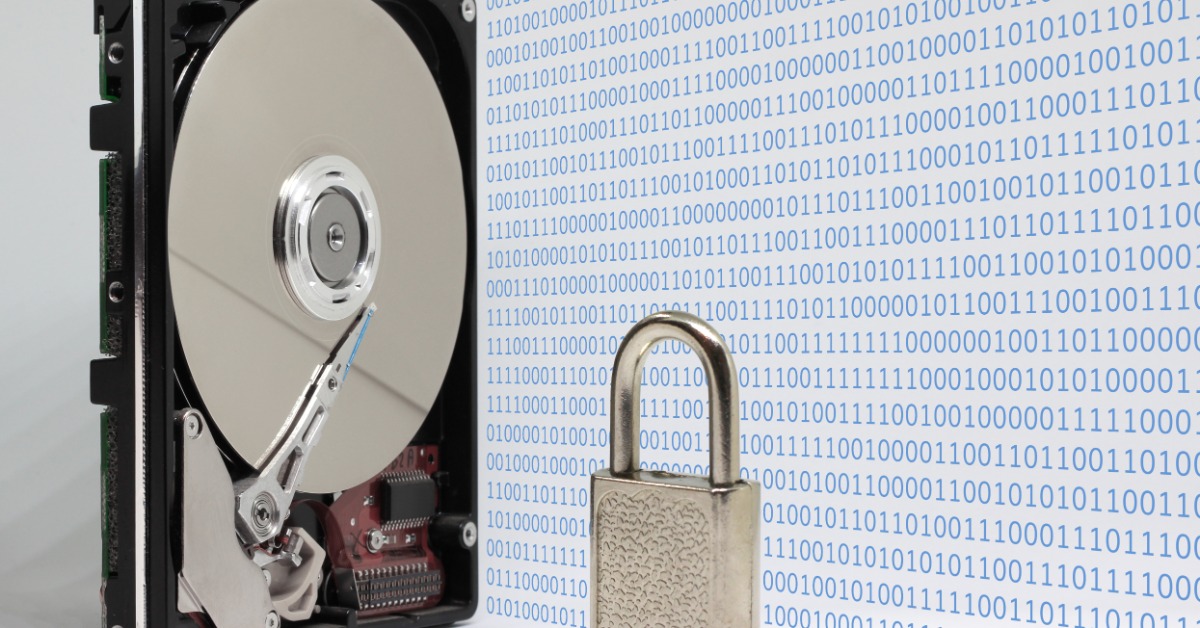
Older computers may contain information governed by internal retention, privacy, or disposal requirements. If a device stays in circulation for years, it can become harder to determine whether the information stored on it is still necessary or whether access remains appropriately limited. Businesses should review their own policies and obligations before extending the life of equipment that has handled sensitive information.
When reviewing a computer’s history and current purpose, ask these questions:
- What sensitive information has the device stored?
- Who has used or accessed the computer?
- Does the stored information still need to be retained?
- Do internal policies allow continued reuse?
- Is there a documented plan for final disposition?
Resale Can Expose Business Information
Selling an old computer can recover some value from equipment the business no longer needs. However, that benefit can come with risk if the organization isn’t certain that business information has been removed appropriately. Once the computer leaves the company’s control, fixing an incomplete data-removal process becomes much more difficult.
The same concern applies when equipment is donated or transferred to another party. Before the device leaves the organization, the business should resolve any uncertainty about the information it once held. Addressing that issue before transfer is far more effective than relying on the next owner to discover or remove what was left behind.
Secure Destruction Limits Future Exposure
At some point, an older computer may provide less value than the effort required to keep it secure, up to date, and properly tracked. Secure computer destruction is a defined retirement process that provides businesses with a clear endpoint for data-bearing equipment they no longer need.
Retiring the computer itself and addressing the information stored on it shouldn’t be treated as the same step. IntelliSHRED provides on-site hard drive destruction. This gives businesses greater visibility into how retired devices are handled and provides confirmation that the storage media has been physically destroyed.
Old computers can still be useful, but continued operation isn’t the only factor businesses should consider. Stored data, user access, software support, hardware reliability, inventory control, and final disposition all affect whether reuse remains practical. When a device no longer meets those needs, a defined retirement and destruction process reduces risks. IntelliSHRED can provide on-site hard drive destruction for businesses that are ready to securely retire data-bearing equipment.